
How to enrol
Class registration, waivers and payment happen in the parent portal. Read the steps here first, so the login page is not the first thing you see.
What to do
New families and returning families take the same path after the first step.
- 1
Log in, or create an account
New families use the I'm new button at the bottom of this page. It opens the Create Account form. Returning families use I already have a login.
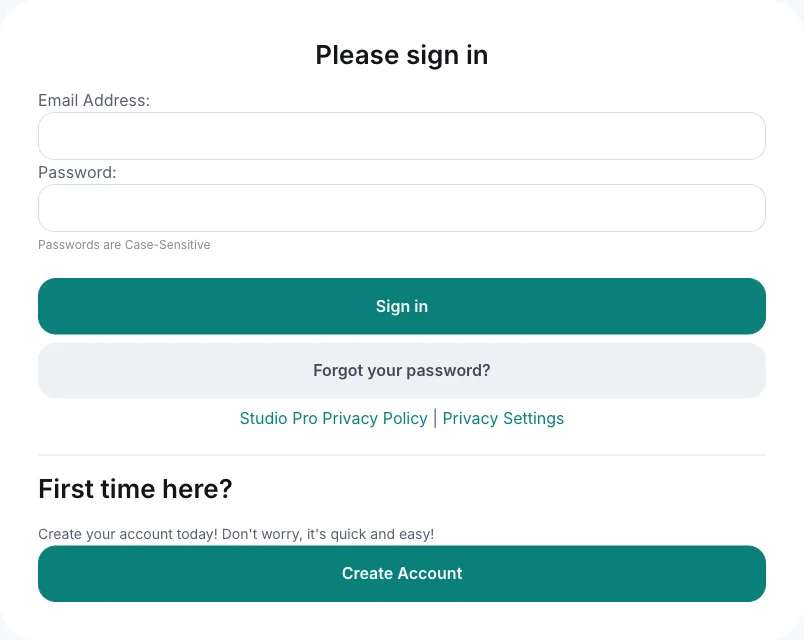
Returning families sign in here. New families use Create Account. 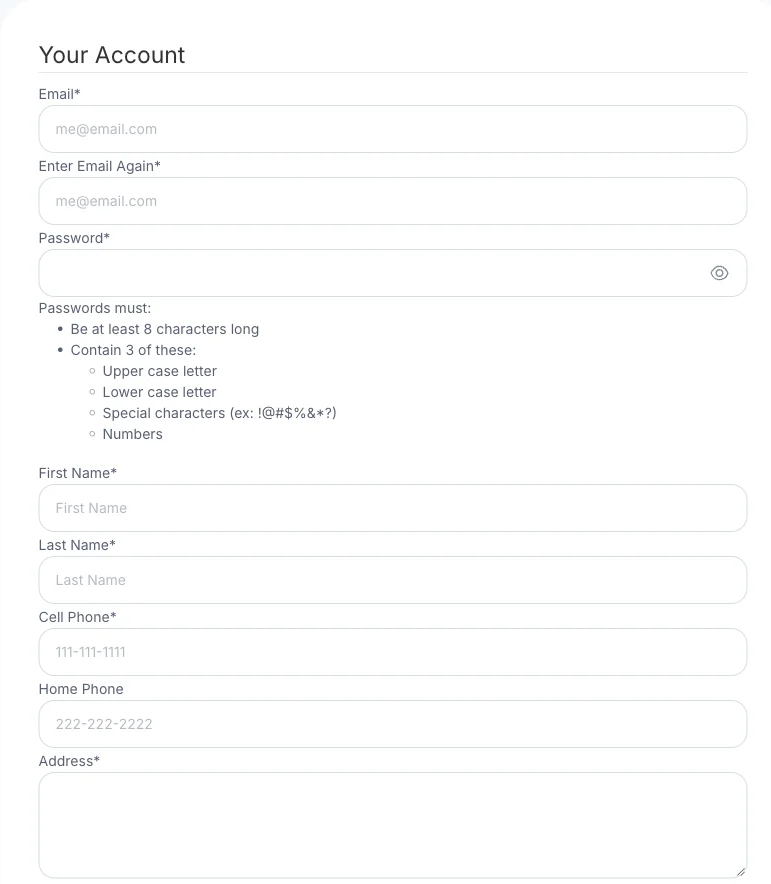
Create Account asks for these details. The password has to meet the rules under the password field. - 2
Add your performer
Add them if they are not on the account yet. One parent account can hold more than one student.
- 3
Waiver, medical details and emergency contact
Complete these for each student. The portal asks for them before registration is finished.
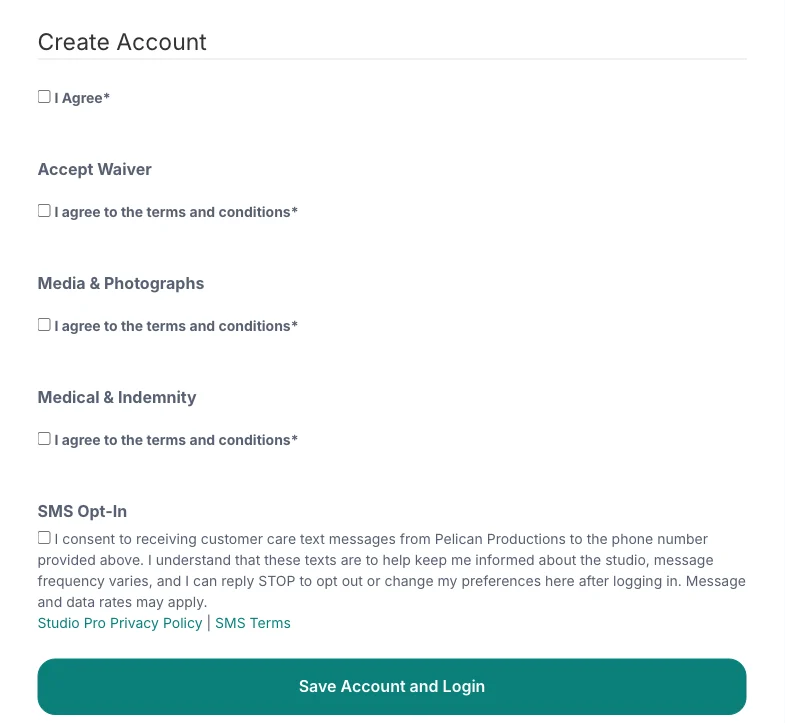
Tick each agreement, then save. The full wording sits under each heading on the form. - 4
Register for classes
Choose Register for classes, open the Program or Term tab, and tick the classes you want.
- 5
Fees and payment
The portal shows the term fee and takes payment. Prices for each class are on the weekly classes pages.
Stuck in the portal? Call Anthea on 0415 918 222.